when showing lists of characters, can we also get option to hide pinyin and meaning? it allows us to scan through for words we don’t know well w/o seeing a “hint”.
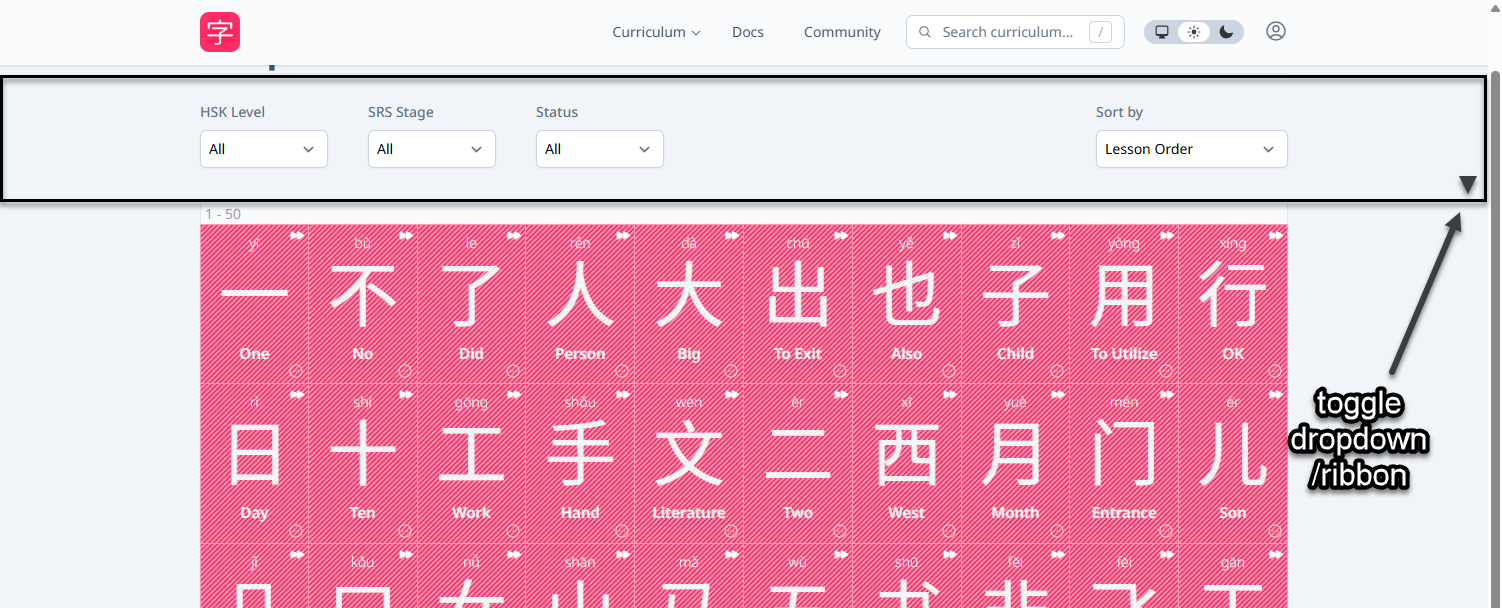
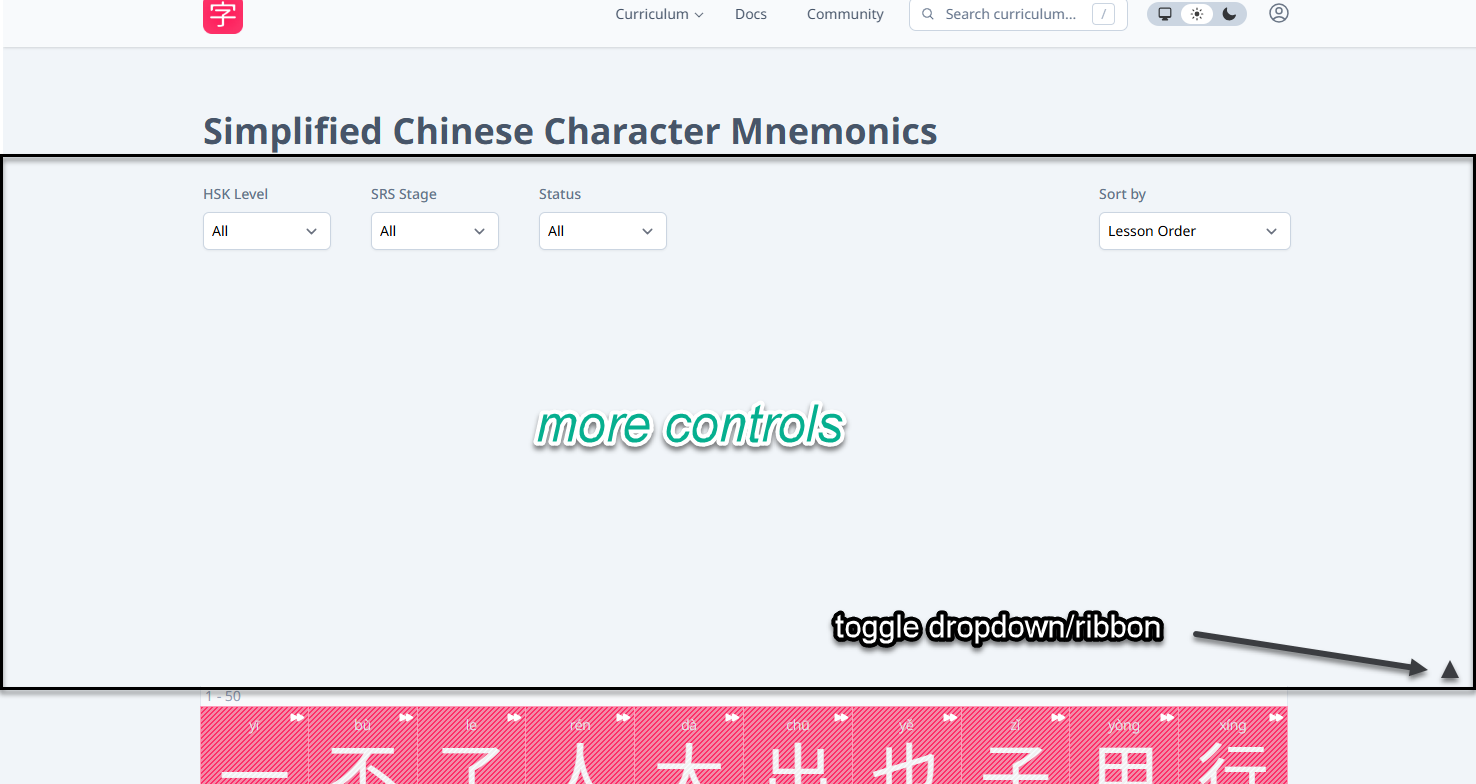
That’s an interesting idea! I can see the merit of it  I wonder where to put the controls…
1 Like
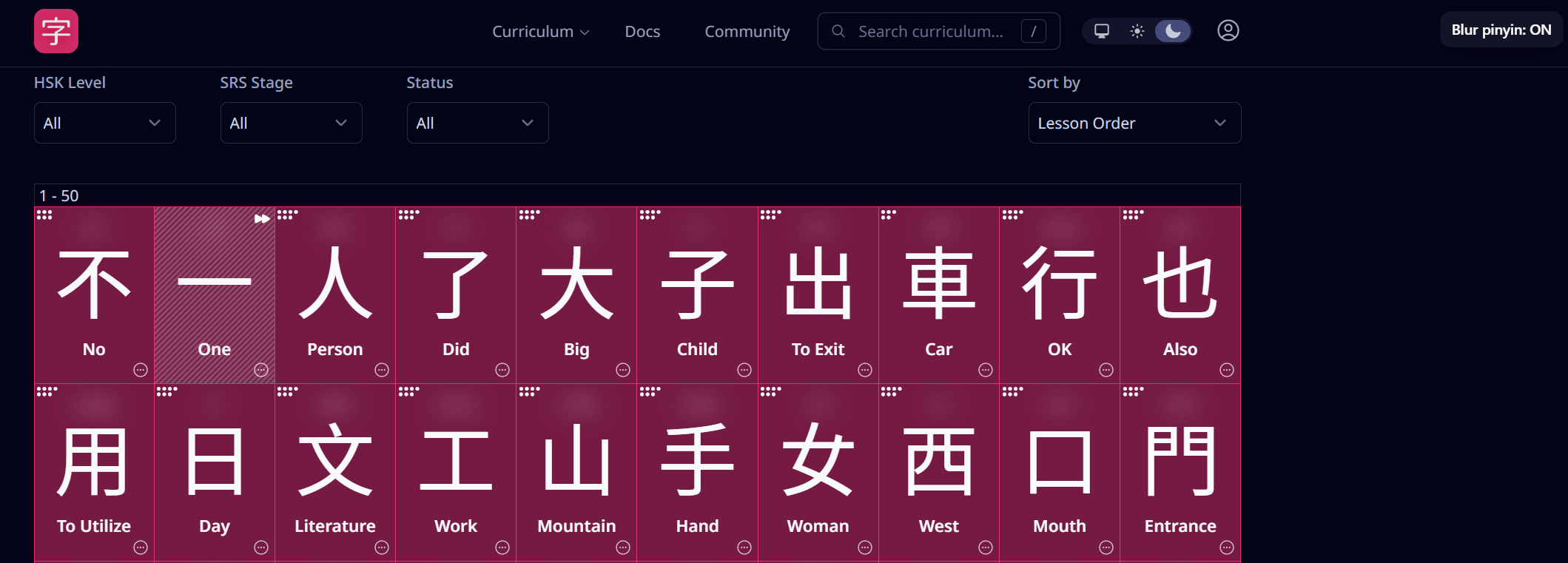
I wrote a tampermonkey script for me like 2 weeks ago for this. Its just a toggle button on the top right to hide the pinyin but it gets the job done.
1 Like
Because “tiles” show up throughout the app, it seemed to make more sense to have it always accessible in the header. So you can now toggle the pinyin/label of all tiles outside of Lessons/Reviews
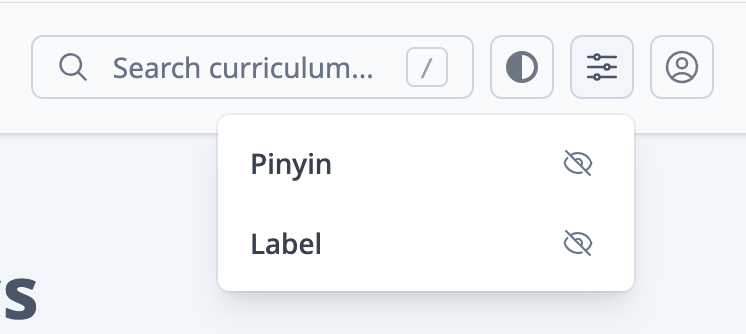
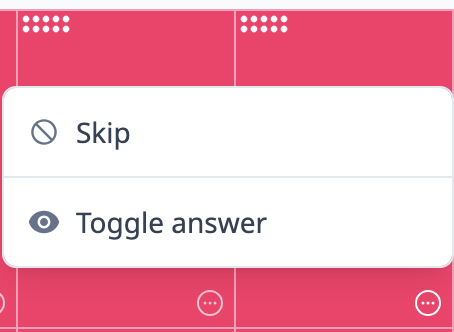
In addition, you can reveal a tile through its actions menu when you have have the pinyin/label hidden:
Let me know if you run into issues
3 Likes
Love it! Very seamless
bonus points on this^ because that’s pretty cool
it works great. thank you!!