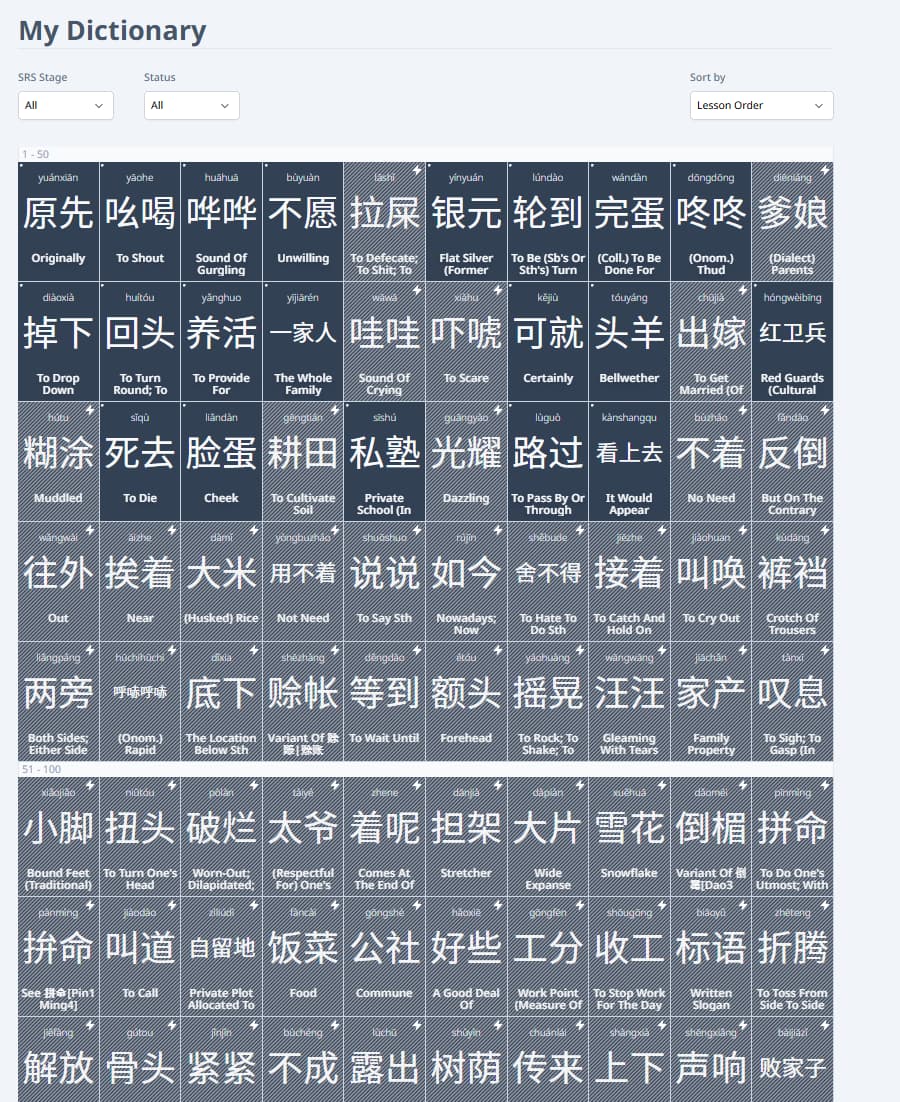
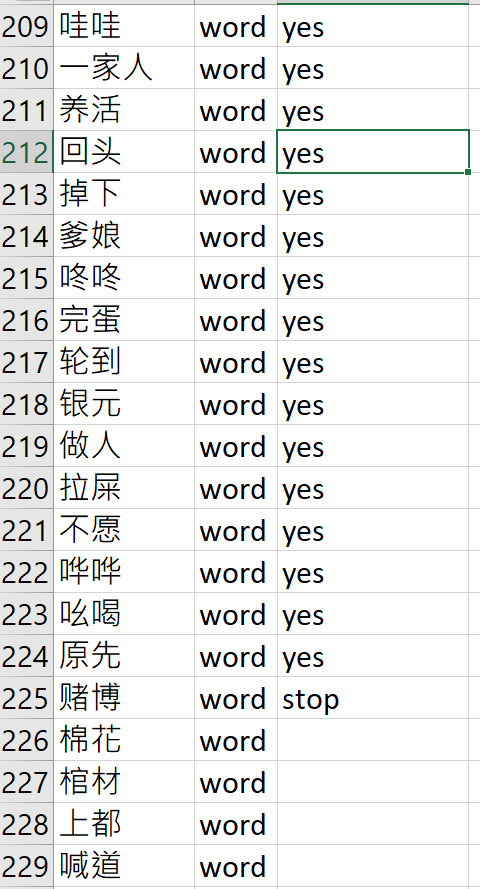
I added about 200 words to the dictionary today, and gonna be adding a few hundred more (I’m adding in vocab from books that I’m planning to read).
It seems like the learning order for dictionary items is LIFO, or at least not FIFO.
Though, for me, I’d prefer if this could be strictly FIFO. The stuff I added a few days ago (first for current reading) is probably not gonna show up for about a few weeks with the LIFO arrangement.
This is something we discussed a bit. We are still trying to find a good way to implement it, and whether we could make other changes to the UI to make the prioritization order more clear. Perhaps a simple setting dropdown for choosing between FIFO/LIFO is a good idea, across all item types, not just dictionary items.
Yep, it’s been a bit to untangle but currently I’m working on renovating our prioritization queue. We want to add the flexibility of FIFO/LIFO for sure
I’d love to hear any other issues about using the dictionary by the way. How has been your experience?
Honestly, I think the dictionary for the most part is set up pretty well! It’s hardly any different from the main curriculum, and I like that we can add our own pronunciation in case something’s a little off. I’ve added and learned well over 1,200 dictionary terms since its release!
Aside from the FIFO/LIFO issue, I’d say the only other minor inconvenience is that the dictionary verbs will almost always have “to” in front of the term without the “to”-less alternative (ex: has “to eat” but not “eat”). If there were a way for the system to know that it’s a verb and more or less disregard if I don’t type “to” in the front, that’d be great. However, I totally get the joys of text parsing logic, and I think this isn’t that big of an issue that needs an overhaul, given that we can add custom terms anyway.
Question, what algorithm do you guys use for your fuzzy match system? I’m curious because in my job, there are cases where we’d want to use fuzzy matching, but I was just curious what algorithm you guys use since it seems pretty decent for minor typos.
Yeah, previously we had a lot of parsing logic for processing user input, but have since pulled back on it when possible. It is unfortunate that CC-CEDICT doesn’t add the “to” for verbs though. Does the “to” get handled as correct as a “typo” usually?
For the fuzzy matcher we use a simple Levenshtein algorithm. First we check for any exact matches, and then check the Levenshtein distance for any close enough ones with typos
It’s actually the other way, that it does already include a “to” to the front. Sometimes, if the term is long enough like “to lie looking at the ceiling” and I don’t include “to”, it’ll pass. If it’s something short like “to drink” and I just type “drink”, it’ll be counted as wrong. Que sera sera lol.
Thanks for this! I’ll give it a shot For reference, in my job, we use an ETL tool called Alteryx for data ingestion, prep, wrangling, and modeling. It’s pretty cool, but the fuzzy match tool is just a huge black box for us.
 sorry if this comes off as impatient
  it’s totally fine if it’s not on the roadmap
 but currently I’m working on renovating our prioritization queue. We want to add the flexibility of FIFO/LIFO for sure
 I’m glad it’s been of use to you!
 For reference, in my job, we use an ETL tool called Alteryx for data ingestion, prep, wrangling, and modeling. It’s pretty cool, but the fuzzy match tool is just a huge black box for us.